Google Pixel Tag is an item finder that connects to the Find Hub app on Android phones running Android 9 or later. It can ring nearby belongings, use Google’s Find Hub network to report a last-seen location farther away, and provide directional finding when paired with a compatible phone. It is most useful for Android owners who want to find everyday items such as keys or a wallet.
Google launched Pixel Tag on November 11, 2026. Its U.S. announcement lists one tag at $29.99 or a four-pack at $99.99; check the Google Store in your country for local availability and price. Here is how the tracker works, how to set it up and what to check before buying.
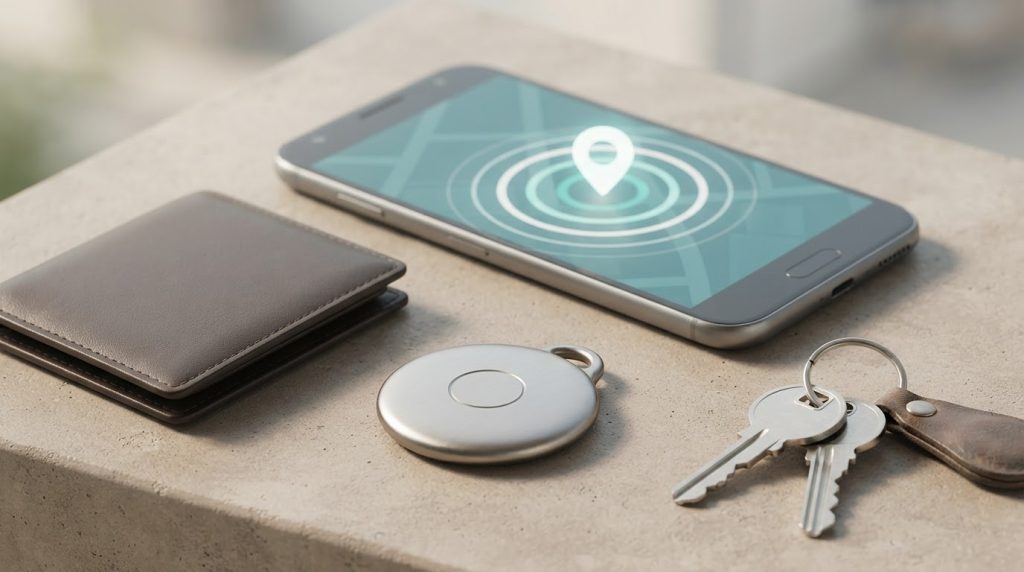
How Google Pixel Tag finds your belongings
Finding an item involves two different situations. If your phone is close, Find Hub can ask the tag to play a sound over Bluetooth. For more precise nearby directions, Google lists both Ultra Wideband (UWB) and Bluetooth Channel Sounding in the tag’s connectivity specifications. Precision guidance depends on a phone that supports the required finding features; check Google’s compatibility guidance for your model. Our Bluetooth Channel Sounding explainer describes the short-range distance technology behind this kind of locating.
If the tag is far from your own phone, it does not have its own GPS or cellular connection. Instead, nearby participating Android devices can detect it over Bluetooth and securely report a location to Find Hub. Google says its network includes more than one billion Android devices. That is Google’s stated network size, not a promise that a tag will always be found: coverage depends on nearby participating devices and the network settings on your account.
Google says Find Hub encrypts item locations end to end so they are visible to you and people you share the item with. A screen lock on your Android phone is required for the network’s best offline finding experience. You can review how your phone participates in the network in Find Hub settings.
Set up Pixel Tag with an Android phone
Google’s setup instructions use Fast Pair. Before you start, make sure the tag is for an item you own or have permission to track, your Android phone is online, and Bluetooth is on.
- Check that your phone runs Android 9 or later and open it to the home screen.
- Remove the plastic battery tab, then place the tag close to your phone.
- When the Fast Pair prompt appears, choose Connect and follow the on-screen terms and location-permission steps.
- Open Find Hub to confirm that the tag appears. Give it a useful name, such as “House keys” or “Travel bag.”
- Play a test sound while the tag is nearby. In Find Hub settings, consider enabling left-behind reminders and sharing the tag with other people who need to find the same item.
If the pop-up does not appear, Google’s help page says to open Find Hub and choose Add device. Some materials can block the signal: Google warns that carbon-fiber or aluminum luggage and RFID-blocking wallets may interfere. For checked bags, it recommends placing the tag in an exterior fabric pocket.
Compatibility, battery and other limits
Google lists Android 9 and newer phones as compatible. Its setup flow uses Android and Find Hub, so do not assume Pixel Tag can be paired with an iPhone or added to Apple’s Find My network. Ultra Wideband precision finding also depends on a compatible phone; basic ringing and map features are separate capabilities.
The tag uses a replaceable CR2032 coin-cell battery, which Google rates for more than one year, and carries an IP67 dust- and water-resistance rating. Those are manufacturer specifications rather than a guarantee of performance in every environment. Check the rating and battery guidance before choosing it for gear exposed to water, impacts or extreme conditions.
Like other networked item finders, Pixel Tag is intended for belongings, not for secretly monitoring people. Android can alert you when an unknown compatible tracker appears to be travelling with you. If you receive an alert, Find Hub can help you locate the tag and show steps to disable it, including removing its battery. Keep unknown-tracker alerts available and use Google’s safety instructions if an alert concerns you.
Is Google Pixel Tag worth considering?
Consider it if you already use Android and want one Find Hub place for keys, bags or a shared item. Before buying, check your phone’s Android version and UWB support, make sure Find Hub network finding is enabled the way you want, and compare the local price with trackers that work with your existing devices. If you mainly use an iPhone, a tracker designed for Apple’s network may fit better.
Google Pixel Tag: quick answers
Can Pixel Tag find an item when it is far away?
It can show a location reported through Find Hub when a participating Android device detects the tag. The tag itself does not connect to GPS or mobile data, so remote finding depends on the crowd-sourced network and should not be treated as guaranteed live tracking.
Does Google Pixel Tag work with iPhone?
Google’s published compatibility information lists Android phones running Android 9 or later. It does not list iPhone support for pairing and Find Hub use.
Can Pixel Tag help me find my phone?
Yes, Google says you can press the tag’s button twice to ring a nearby phone, even if the phone is on silent or Do Not Disturb, once “Ring this phone” is enabled in Find Hub.
For official setup and safety steps, see Google’s Pixel Tag setup guide, its tracker settings and unknown-tag instructions, and Google’s explanation of Find Hub privacy protections.
Leave a Reply